Couldn't load pickup availability
Traditional wall clocks require manual time adjustments and lack modern features. This 10 inch digital wall clock combines LED display technology with remote control operation and automatic DST adjustment, delivering clear time visibility and temperature monitoring for living rooms, bedrooms, and kitchens without constant maintenance.
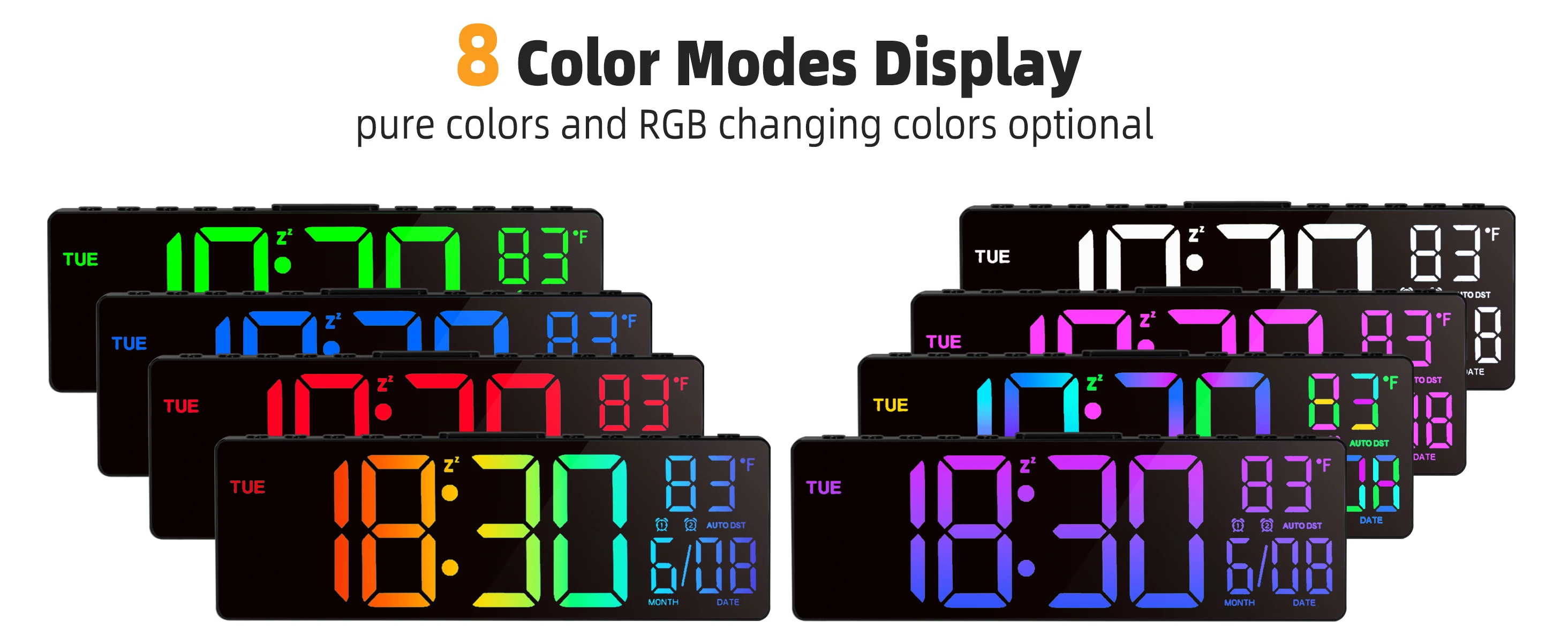
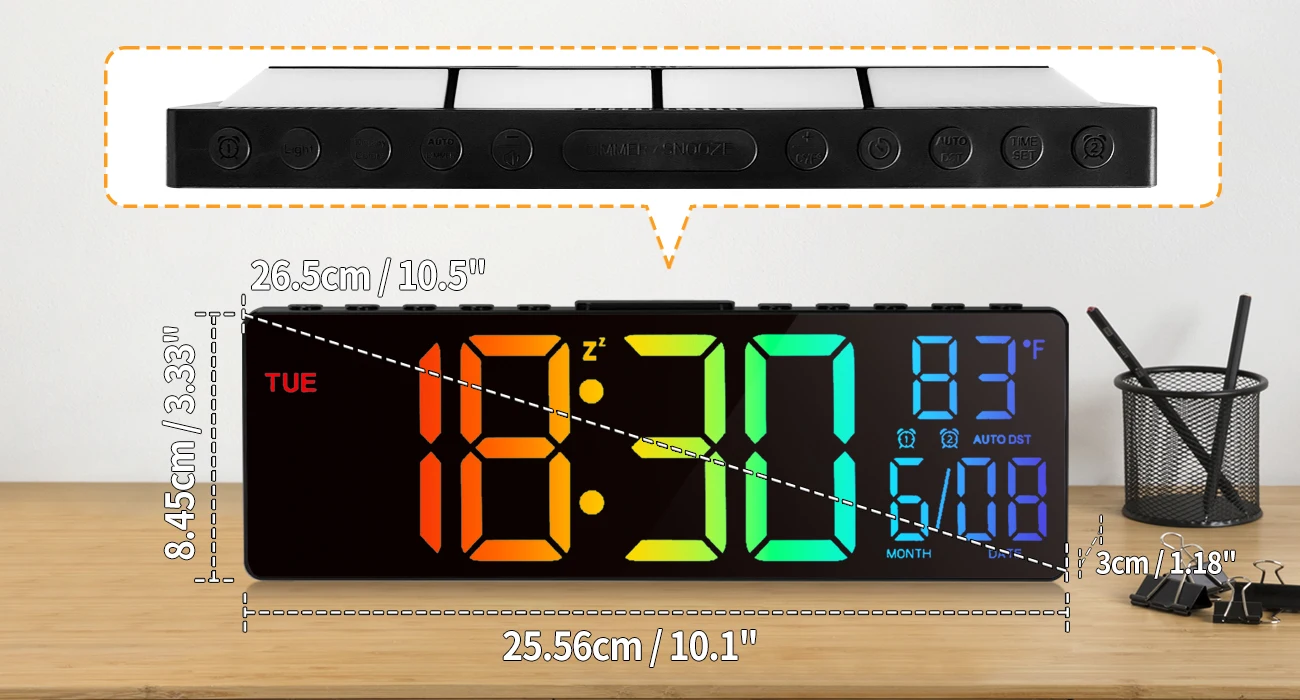
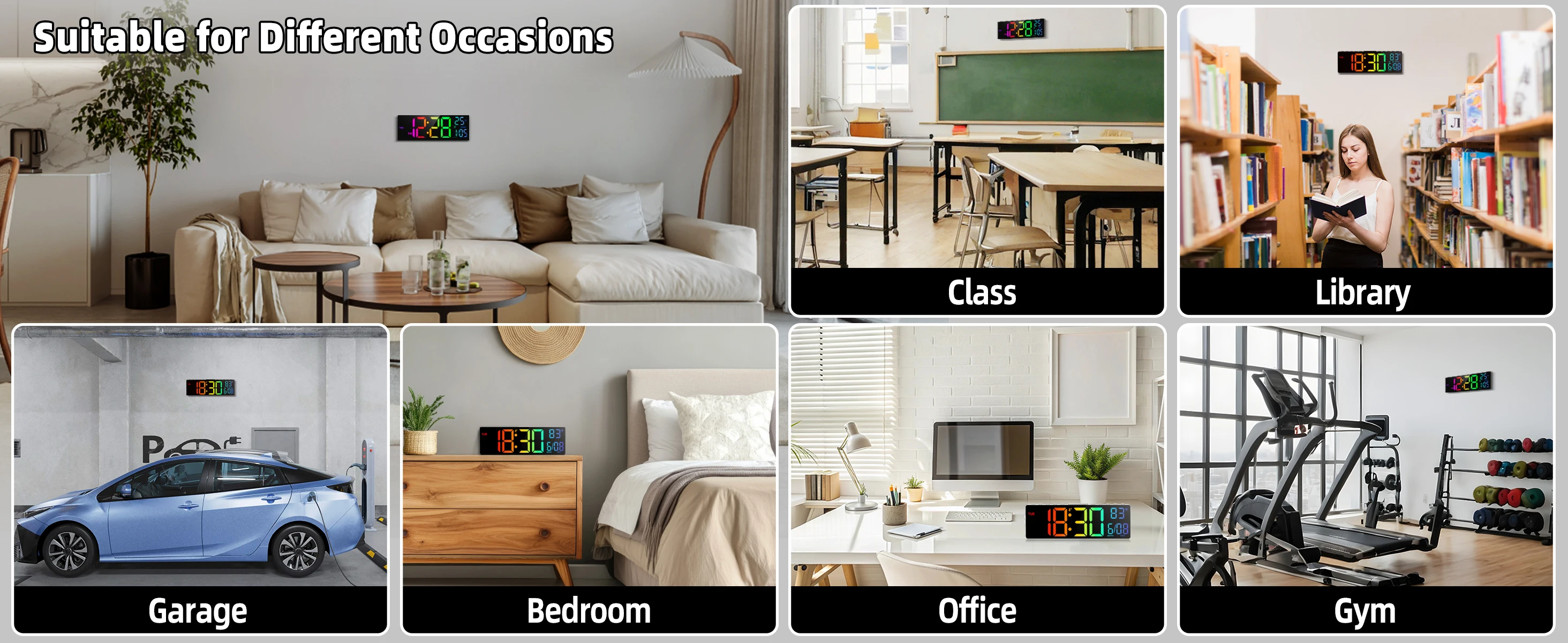
Living rooms requiring clear time visibility, bedrooms providing nighttime readability, kitchens tracking cooking times, home offices monitoring work hours, classrooms displaying time for students, waiting rooms showing information, elderly care facilities offering easy-to-read displays, gyms tracking workout duration, retail spaces adding functional decor, modern homes embracing smart features.
Checking time from across living room while watching TV, monitoring bedroom temperature for comfortable sleep, timing cooking and baking in kitchen, tracking work hours in home office, teaching children to read digital time, providing easy visibility for elderly family members, coordinating schedules with clear date display, adjusting brightness for nighttime viewing, monitoring room climate with temperature feature, eliminating manual DST time changes twice yearly.
Select wall location with clear visibility from main viewing areas. Ensure location has access to power outlet or plan for battery installation. Mark mounting holes using provided template. Install wall anchors if mounting on drywall. Secure mounting bracket to wall using provided screws. Hang clock on bracket ensuring secure attachment. Connect power adapter or insert batteries according to specifications. Use remote control to set current time, date, and temperature unit. Adjust brightness to desired level. Test remote control functions. Set automatic DST feature if available in your region.
Dust LED display weekly with soft dry cloth to maintain brightness and clarity. Clean clock housing with slightly damp cloth when needed, then dry immediately. Avoid harsh chemicals or abrasive cleaners that may damage display or finish. Keep away from direct sunlight which may fade display over time. Replace batteries promptly when low if battery-powered. Check mounting security periodically ensuring clock remains securely attached. Avoid placing near heat sources or in high humidity areas. Store remote control in accessible location. Test remote control batteries periodically replacing when needed.
| Type | Digital Wall Clock with LED Display |
| Display Size | 10 inch |
| Display Features | Time, Date, Temperature |
| Special Features | Remote Control, Automatic DST Adjustment |
| LED Technology | Energy Efficient LED Display |
| Color Options | Black, White |
| Application | Living Room, Bedroom, Kitchen, Office |
| Weight | 0.56 lbs |
The automatic DST feature adjusts the clock forward or backward one hour when daylight saving time begins or ends, based on your region's DST schedule. Once you set your time zone during initial setup, the clock handles all future DST changes automatically, eliminating the need to manually adjust the time twice per year. This ensures your clock always displays the correct time.
Yes, the 10 inch LED display features large, bright digits specifically designed for visibility from a distance. The high-contrast LED numbers are easy to read from across living rooms, bedrooms, or kitchens, even in various lighting conditions. The adjustable brightness feature lets you optimize visibility for different times of day and lighting situations.
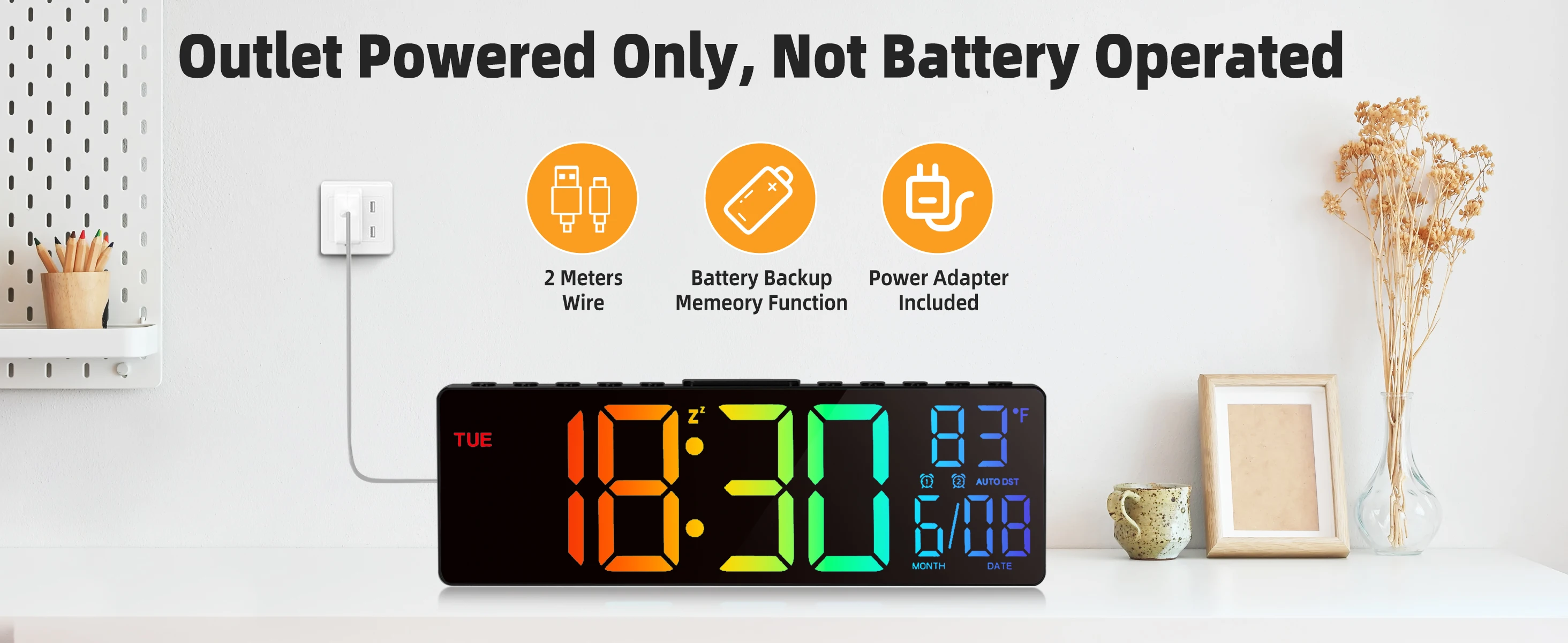
Power options vary by model. Some versions operate on batteries only, others use AC power adapters, and some offer both options for flexibility and backup. Battery-powered models are ideal for portability and avoiding cords, while plug-in versions ensure continuous operation without battery replacement. Check your specific model specifications for power requirements.
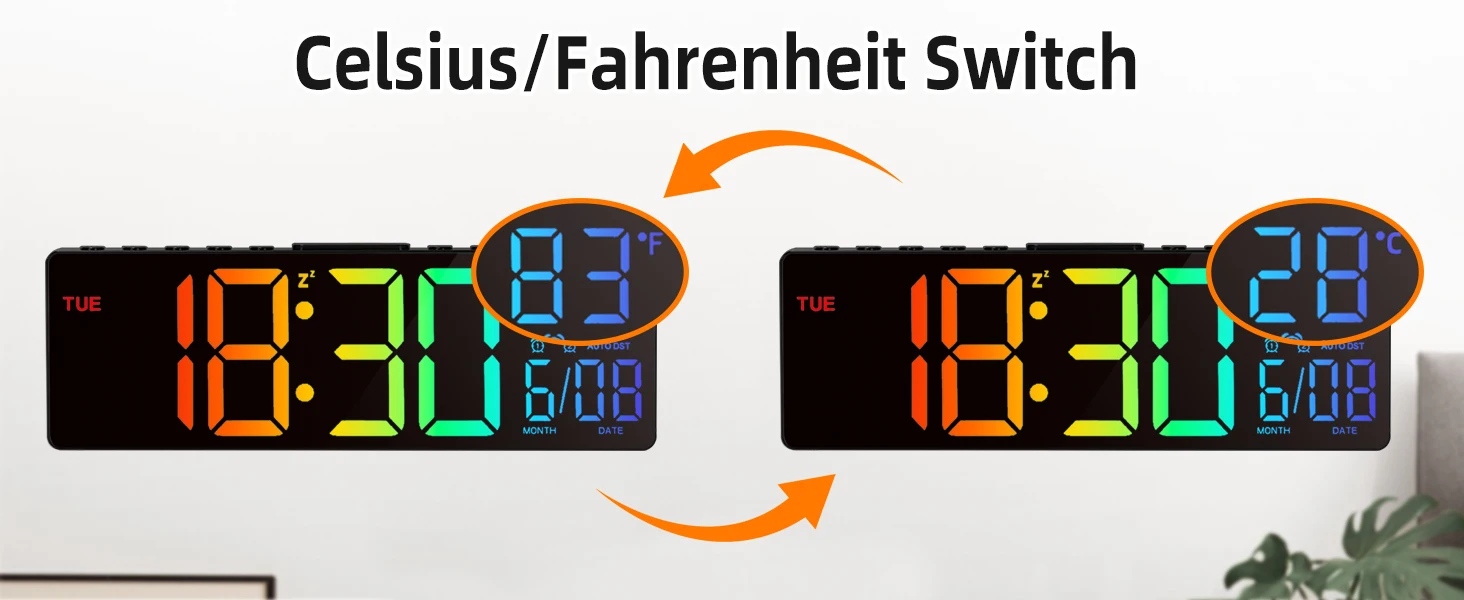
The remote control typically allows you to adjust brightness levels, set time and date, switch between 12-hour and 24-hour formats, toggle temperature display between Fahrenheit and Celsius, set alarms if available, and access other clock settings without physically touching the clock. This is especially convenient for wall-mounted clocks that are difficult to reach.
No, the clock features adjustable brightness settings that allow you to dim the display for nighttime use. You can reduce the LED intensity to a comfortable level that won't disturb sleep while still remaining visible when you need to check the time. Many users find the dimmest setting perfect for bedroom use, providing just enough light to see the time without being disruptive.
Most models allow you to switch between Fahrenheit and Celsius temperature displays using the remote control. This flexibility makes it suitable for users in any country or those who prefer specific temperature measurements. The temperature sensor monitors ambient room temperature, helping you maintain comfortable climate conditions.
The built-in temperature sensor provides reasonably accurate ambient temperature readings for the immediate area around the clock. It's suitable for general household temperature monitoring but may not be as precise as dedicated thermometers. For best accuracy, avoid placing the clock near heat sources, air vents, or in direct sunlight which can affect sensor readings.
Yes, the clock can be mounted on most wall types including drywall, plaster, concrete, and wood. For drywall, use the appropriate wall anchors to ensure secure mounting. For concrete or brick, use masonry anchors. The lightweight design at 0.56 lbs makes it easy to mount securely with standard hardware. Always ensure the mounting location can support the weight and provides clear visibility.